
Moods for every pet
Pick a mood or two for each pet, from happy and playful to sleepy and missing their owner, and they show up with your note.
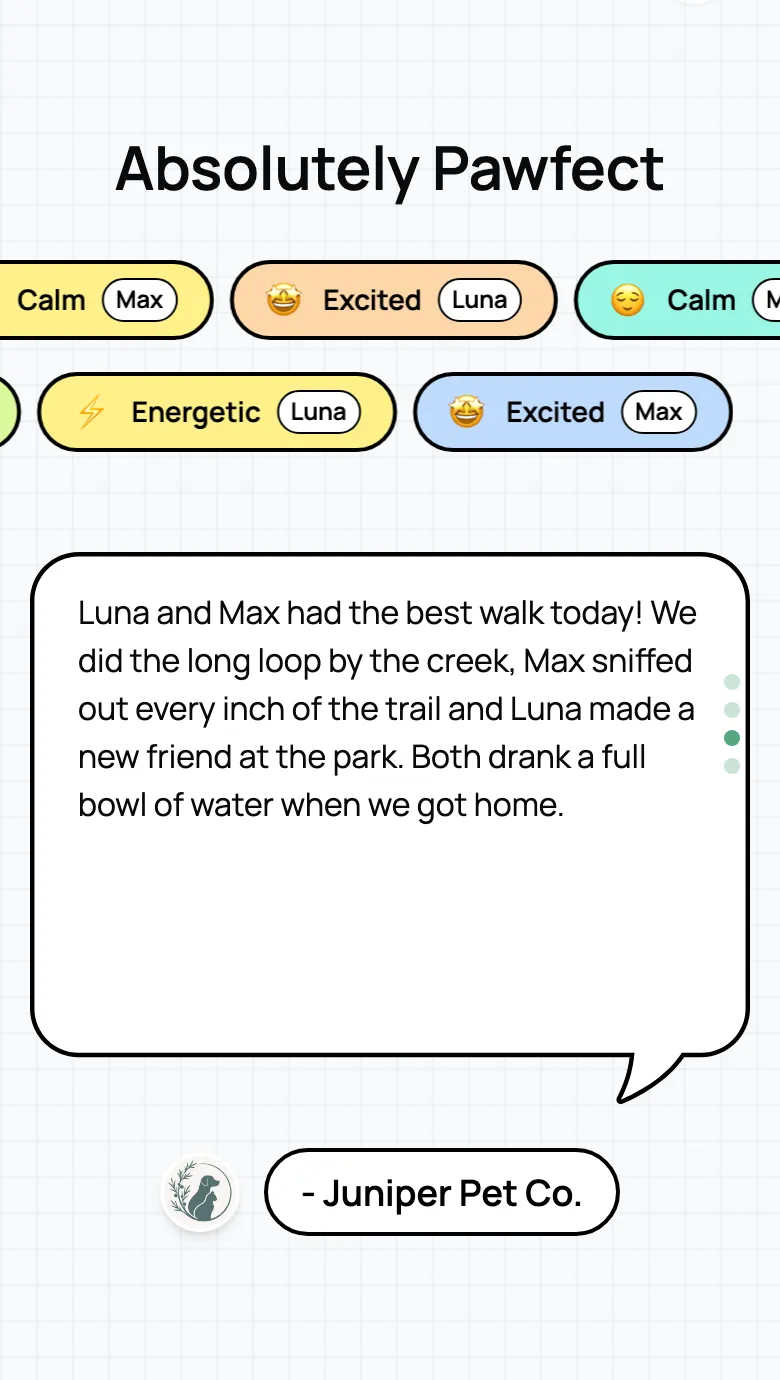
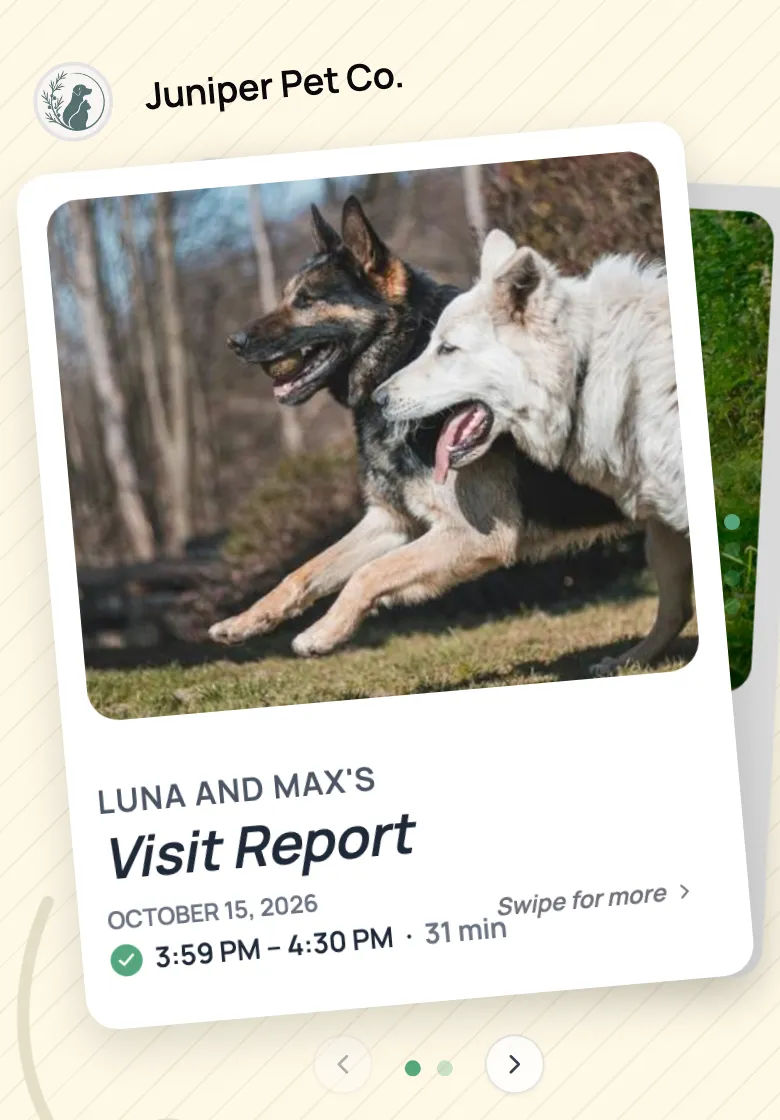
Photos, a care checklist, how they felt, and a note from you, on one card the pet parent opens on their phone. Pet sitting report cards without the printing.
Start for free today


Every card opens on your photos, under your logo, with the day and time of the visit. Swipe on and they see each pet’s checklist, how they felt, and your note. It answers “how did it go?” before they have to ask.
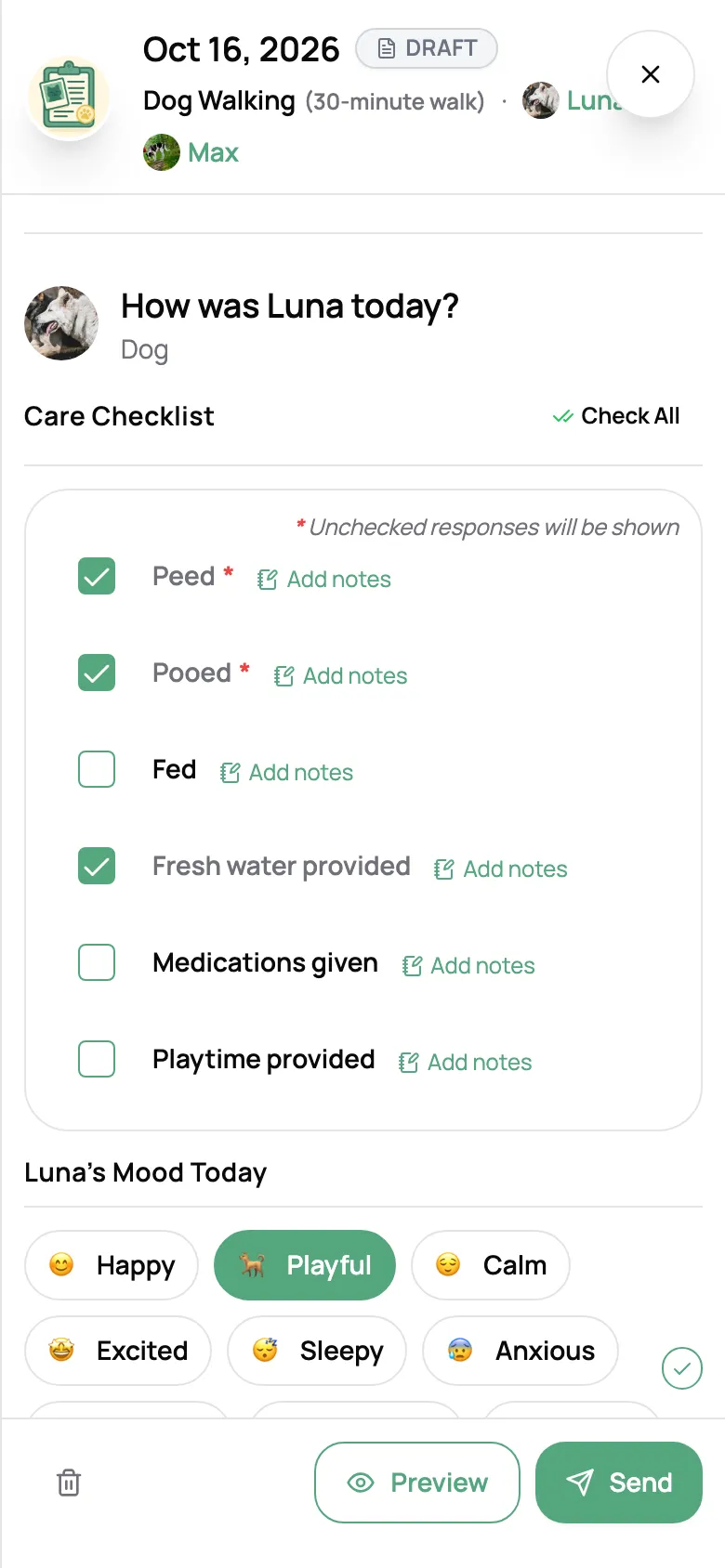
Each card starts from your template, so most of it is taps: tick the checklist for each pet, pick their moods, and add a note to any item. It saves as you go. Preview it, send it, and mark the visit complete in the same step.
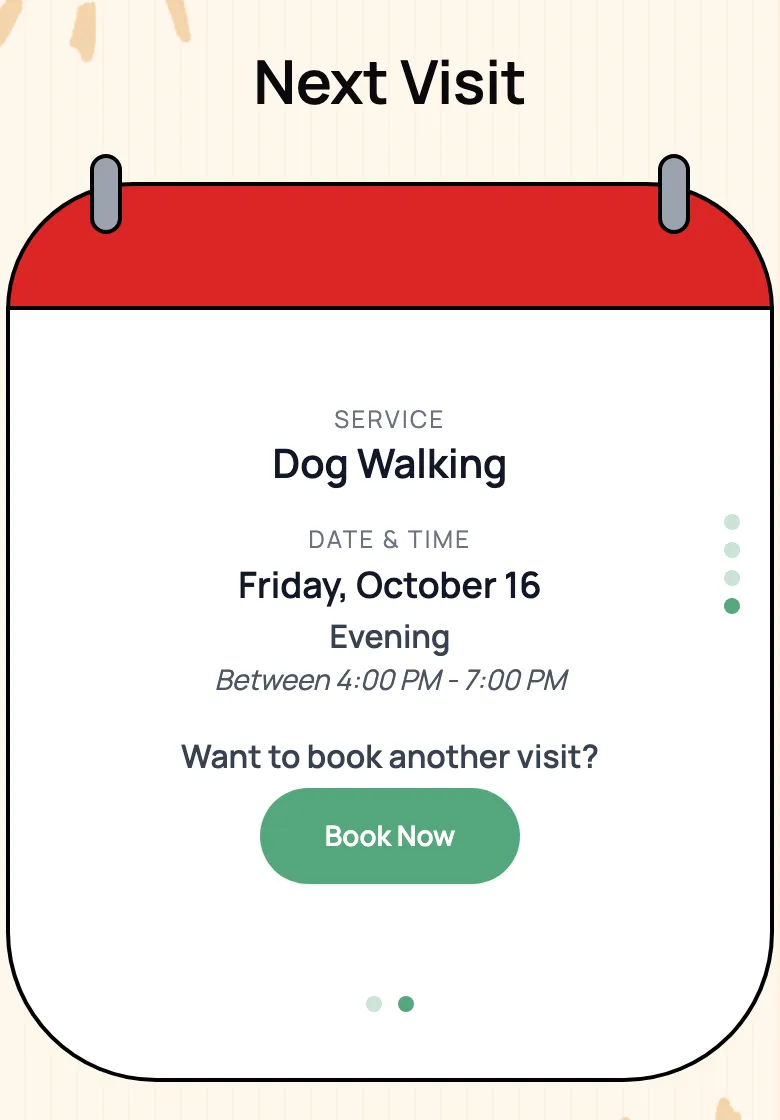
The card ends with their next visit: the service, the day, and the time window. Want another one? A Book Now button opens your booking page, right there on the card.
“I love the personal client support, the appearance of the software and ease of use for my clients. The client reports for their pets is what really "sold" me, absolutely adorable.”

Shannon G.
Owner, Leash By The Lake LLC
Pick a mood or two for each pet, from happy and playful to sleepy and missing their owner, and they show up with your note.
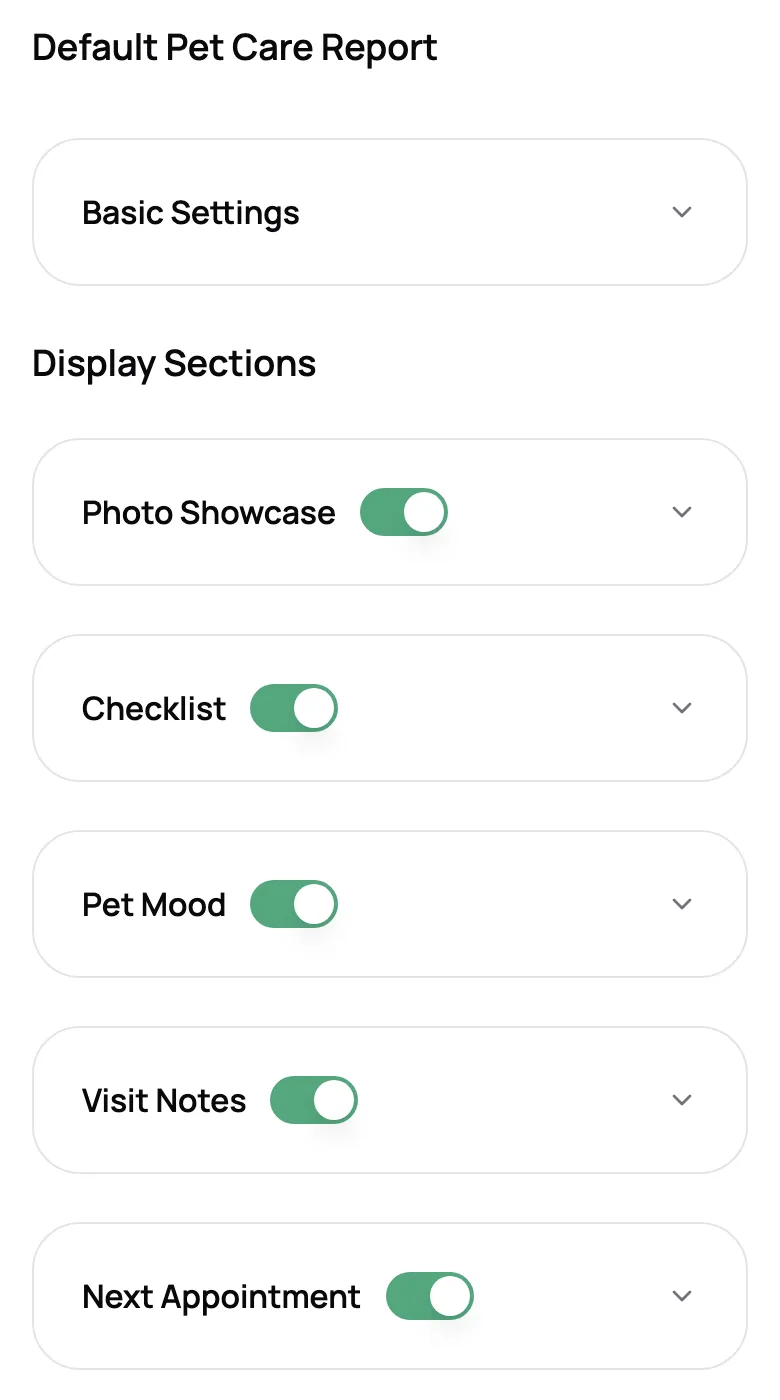
Give walks, drop-ins, and stays their own checklist and moods, and switch each part of the card on or off.
Add up to three clips of a minute each next to your photos. Video is on Solo Pro and Growth.
With review booster on, happy clients are pointed to your Google, Yelp, Facebook, or Nextdoor page.
Share the card’s link in a chat and the preview shows the pets’ names and your first photo.
Anyone on your team can fill in and send a card for the visit they did. Clients find every past card in their portal.
A pet report card is a short update you send after a visit. It shows the pet parent what happened: photos, what got done, how their pet seemed, a note from you, and when you’re coming back. In Scritches it’s a card they open on their phone, not a sheet you fill in and print.
Photos, a care checklist for each pet, moods, and your note. The starting checklist covers the basics (peed, pooed, fed, fresh water, medications, playtime, house secure), and the moods run from happy and playful to sleepy and missing their owner. You can change the items and moods to match how you work.
Yes. Make a template for each kind of visit with its own checklist, moods, and sections, then assign it to the services it belongs to. Any service without one uses your default template. You build them yourself; there are no ready-made grooming or daycare templates.
Send it from the card when you’re done, or copy the link and share it wherever you talk to the client. They open it in their browser with no app, account, or login, and it stays in their client portal with their past cards.
Yes. Every visit gets its own card, so a long weekend of drop-ins or a week of overnights can carry an update after each one.
Yes, on Solo Pro and Growth. Each card holds up to three clips of up to a minute each, alongside your photos.
Yes, with review booster turned on. After the card, the client rates the visit, and happy clients get a link to leave a review on Google, Yelp, Facebook, or Nextdoor.
Yes. Report cards are on every plan, including the free one. Video clips and review requests are on Solo Pro and up.