
Tips, without the awkward ask
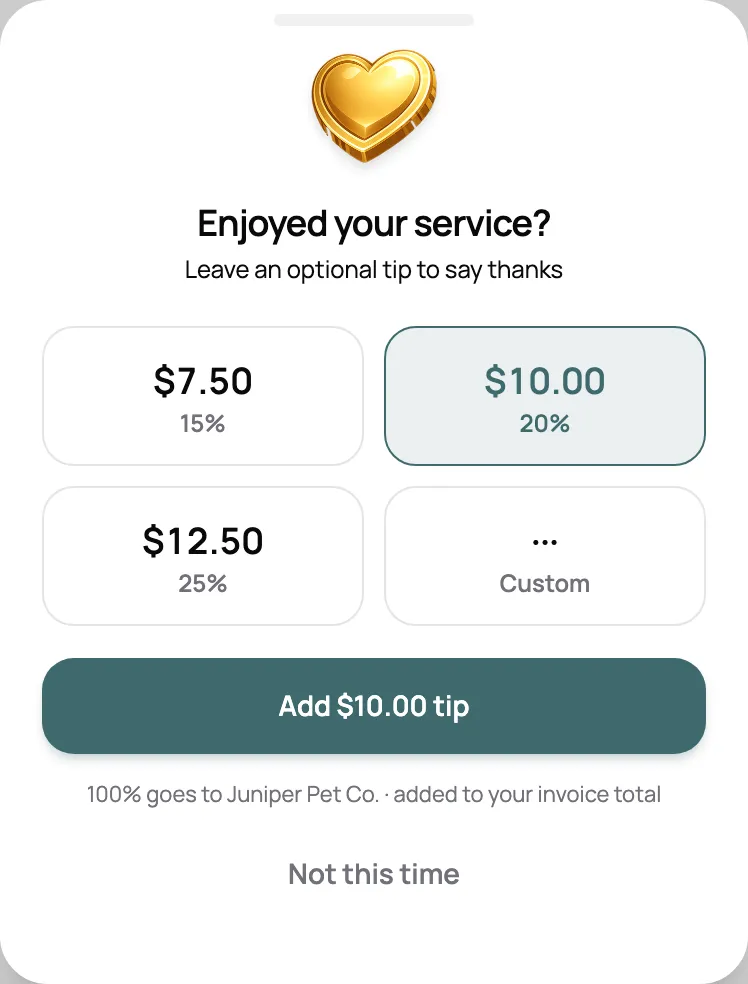
Clients can add 15, 20, or 25%, or any amount, right as they pay. Every tip goes to you, and tips are never taxed.
Invoices that start from your bookings, a link clients pay from their phone, and every payment in one place. Pet sitting invoice software that keeps billing off your plate.
Start for free today

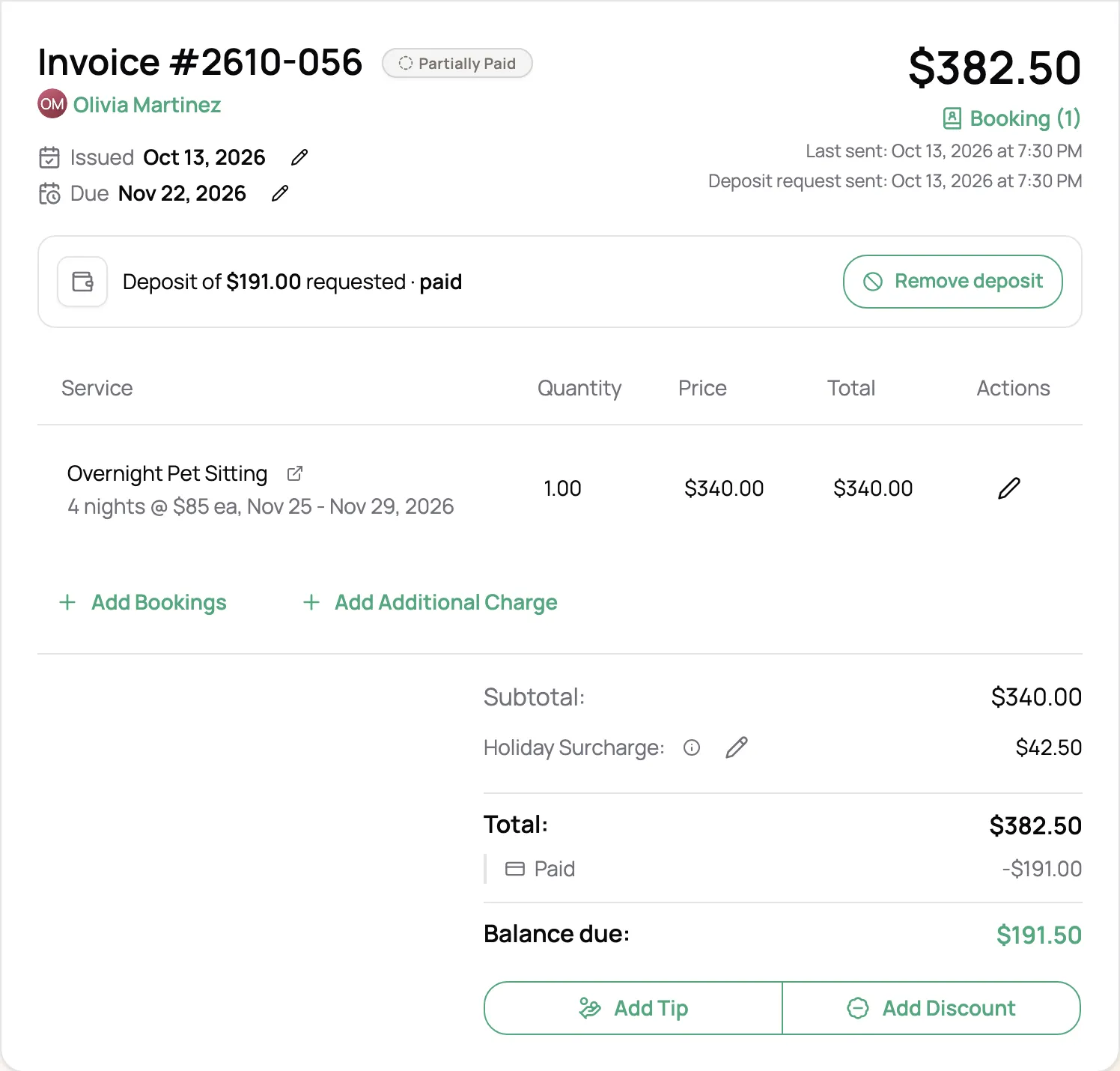
Add a booking and a draft invoice starts with the visits and your rates already on it. Holiday and extra-pet charges land as their own lines, and regulars can be billed per visit, weekly, or monthly. Nothing goes out until you send it.
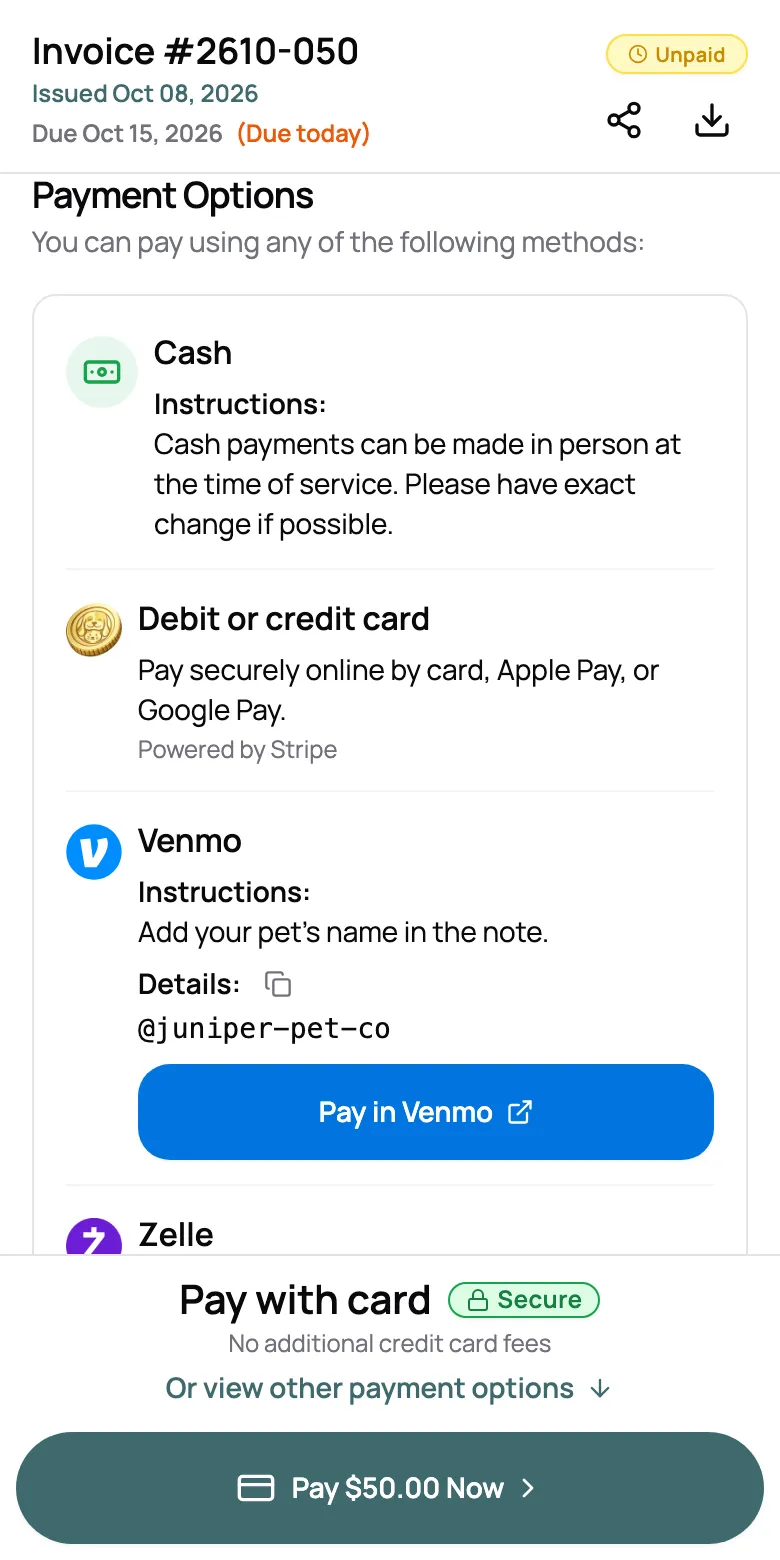
Email the invoice or copy the link to text it. Clients open it without an app or a login and pay by card, or with the Venmo, Zelle, or cash details you’ve set. A card payment marks the invoice paid and sends your client a receipt.
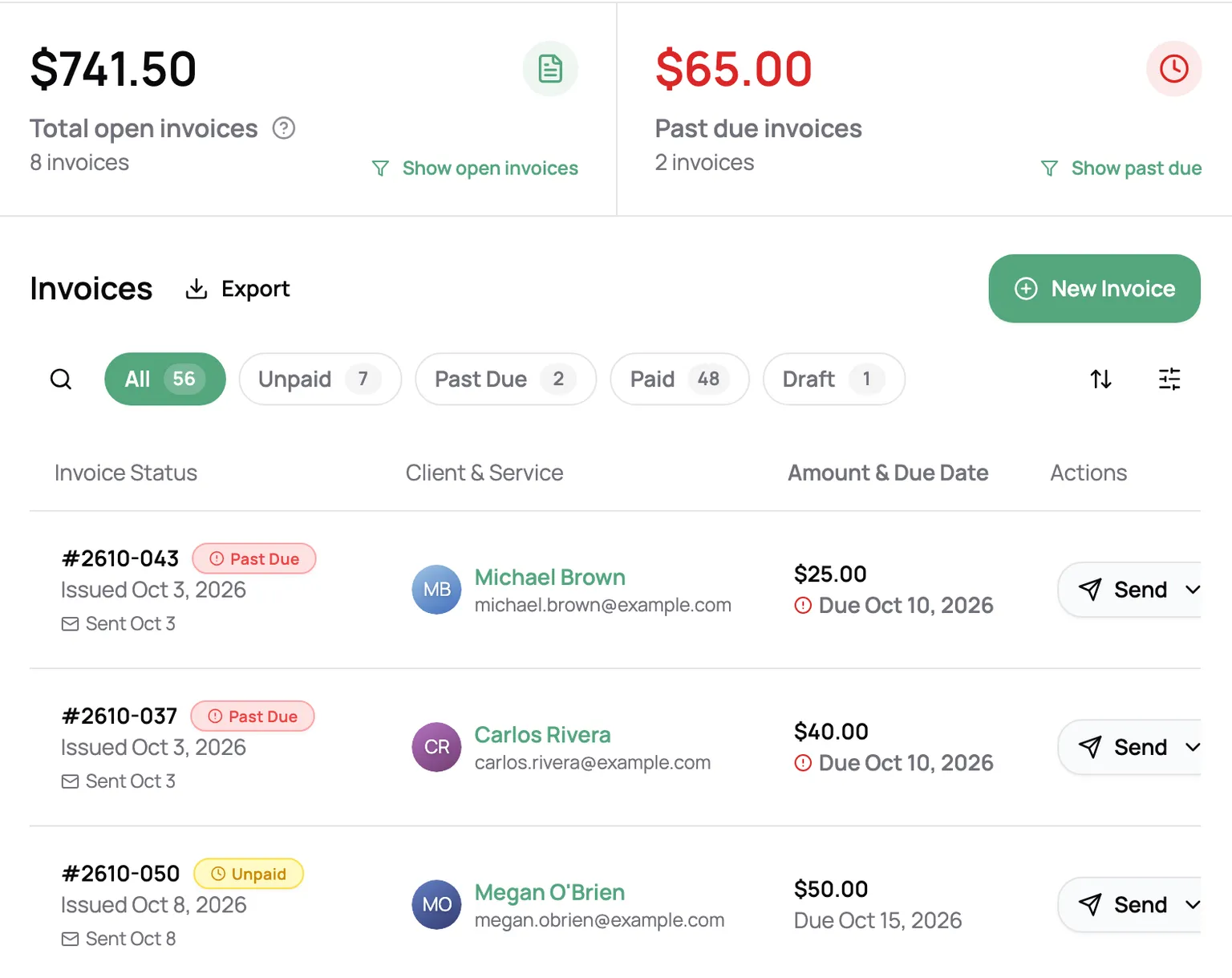
Open, past due, and paid totals sit at the top, and every invoice wears its status. Past due invoices flag themselves the day after they’re due, and a click resends a fresh copy. Log cash and Venmo as it comes in, and export to CSV at tax time.
“I can easily add my current clients, send welcome emails, track invoices (marking them as paid and noting the payment method), and keep everything organized in one place. … My favorite feature is being able to send invoices to clients by email or text, with multiple payment options available. That’s honestly the BEST feature.”

Johnnise P.
Pet Sitter, Raising Paws
Clients can add 15, 20, or 25%, or any amount, right as they pay. Every tip goes to you, and tips are never taxed.
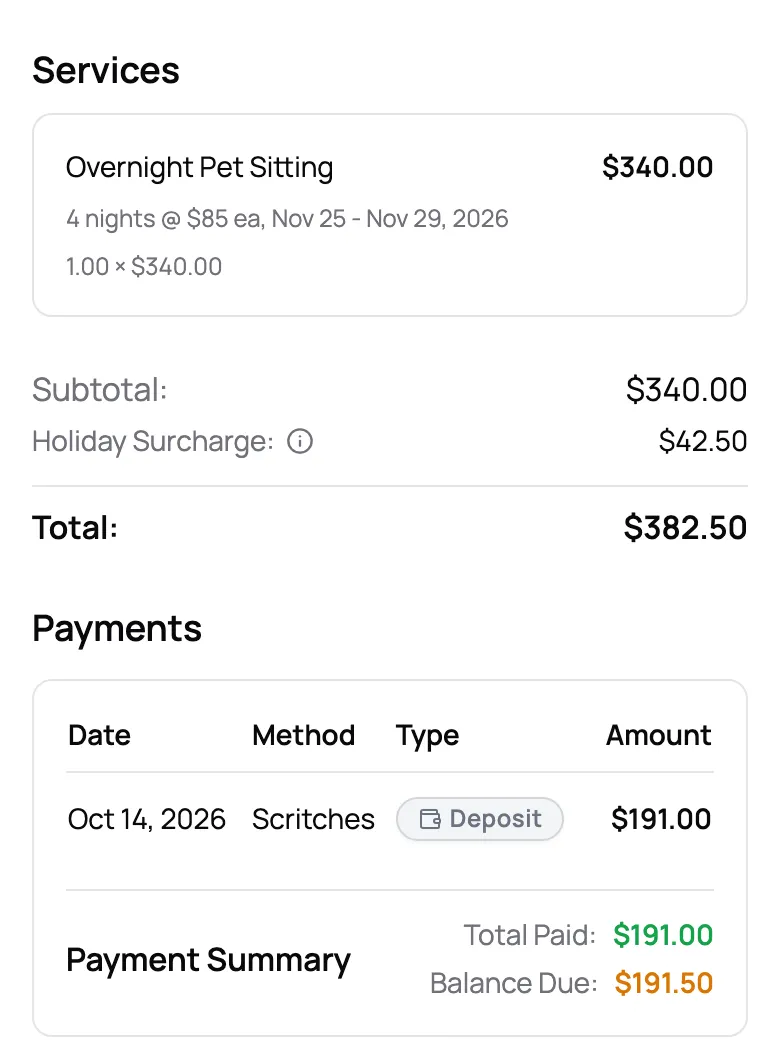
Ask for a deposit on a holiday stay. Your client pays it online, and the balance stays due until the date you set.
Cover Stripe’s processing fee yourself or pass it to clients, who see it before they pay. Scritches takes no cut.
Set your rate once and it’s added to every invoice, labeled the way your country expects.
Refund all or part of a payment back to the card, or keep it on the client’s account as credit.
Invoices, receipts, and emails carry your logo and brand color, and clients can download a PDF.
When you add a booking, Scritches starts a draft invoice with the visits, your rates, and any holiday or extra-pet charges already on it. Regular clients can be billed per visit, weekly, or monthly, with each period’s visits on one invoice. For a booking a client requests online, you create the invoice right from the booking. Drafts stay private until you send them.
Send it by email with a View Invoice & Pay button, or copy the link and text it yourself. You can also publish it to the client portal without sending anything. Clients open it in their browser, with no app to download and no account to create.
On the Solo plan and up, Scritches Pay lets clients pay by debit or credit card, and the invoice marks itself paid. On every plan, you can list Venmo, Zelle, Cash App, PayPal, cash, check, or bank transfer with your own details and instructions. Clients pay you directly, and you record the payment in a couple of taps.
No. Card payments go straight to your own Stripe account, and the only cost is Stripe’s processing fee. You decide who pays it: absorb it, or pass it to the client, who sees it as a separate processing fee before paying.
Yes. When Scritches Pay is on, clients can add 15, 20, or 25%, or any amount, when they pay. By default the ask waits until the visits are done. Tips are never taxed.
Yes. Request a deposit on any invoice. Your client pays it online, and the balance stays due by the date you set.
Not automatically, yet. An invoice is marked Past Due the day after its due date, the Past Due filter shows you every one, and a click sends the client a fresh copy with a pay button.
Yes. Invoicing and payment methods like Venmo, Zelle, and cash are on every plan, including the free Starter plan for up to 5 clients. Online card payments start on the Solo plan.