
Your best reviews on your booking page
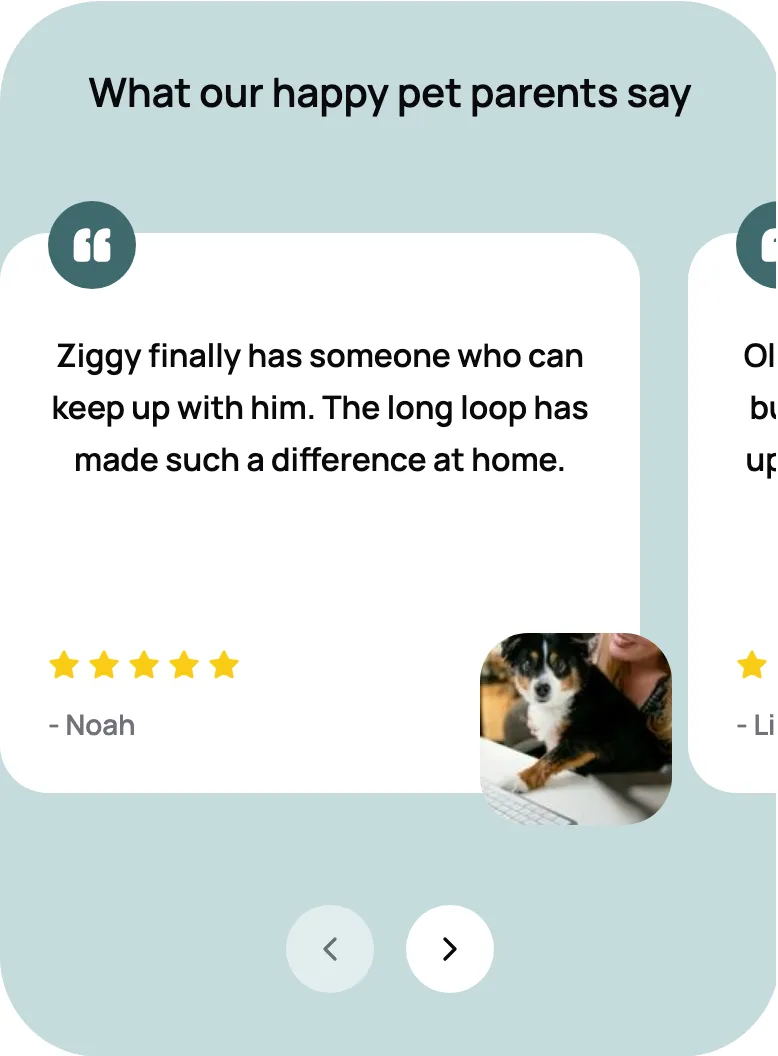
Pick the reviews you love and show them on your booking page, with star ratings and pet photos if you like.
Scritches asks each client for a review after their visit, on its own or right in their report card, and sends the ones who loved it to Google, Yelp, Facebook, or Nextdoor. The easy way to get more Google reviews for your pet sitting or dog walking business.
Start for free today


Once a booking’s last visit is done, Scritches sends a short, friendly ask in your words, on the delay you choose. Turn on the review section in your report cards and the ask waits at the end of the card, right after the photos. Want to hear from a few favorite clients today? Pick them from a list and send.
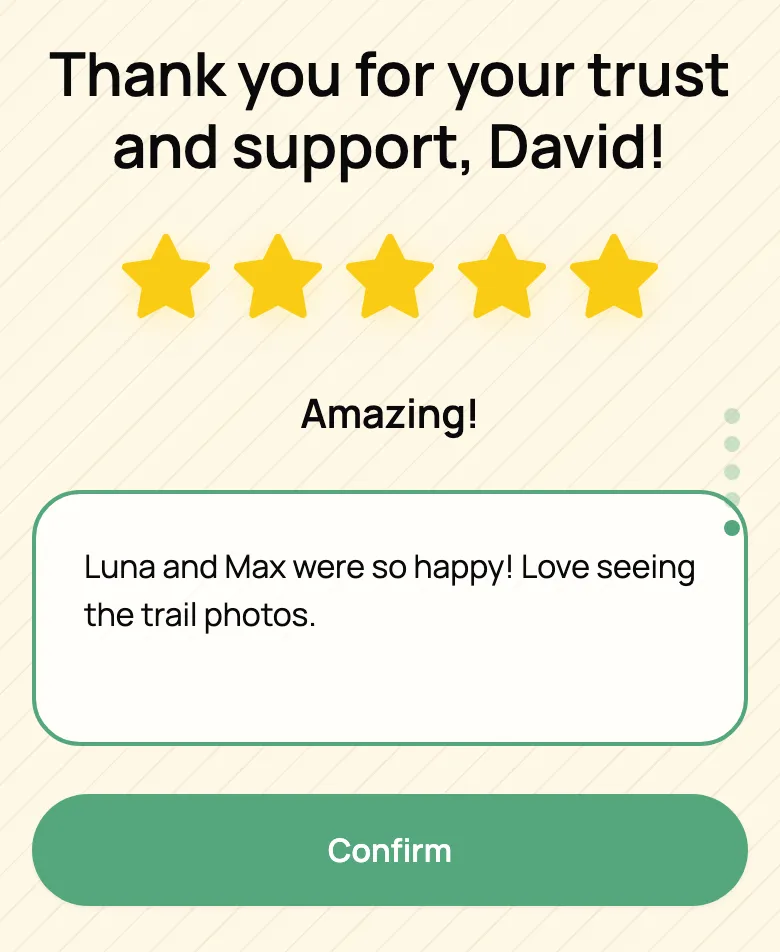
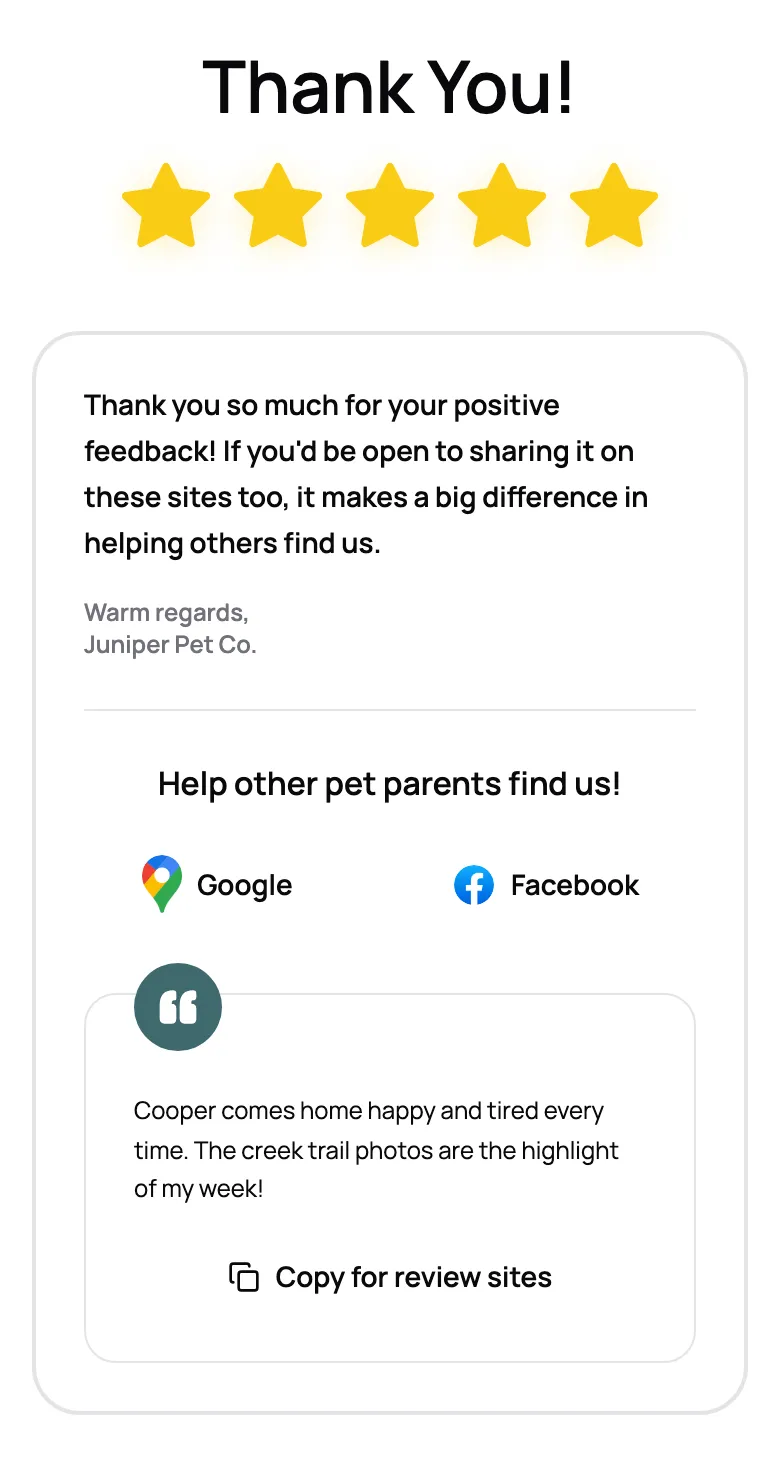
Clients tap a star rating and add a note, with nothing to sign in to. When they loved it, they see your thank-you and a button for each review site you use. One tap copies the note they just wrote, so leaving it on Google takes seconds.
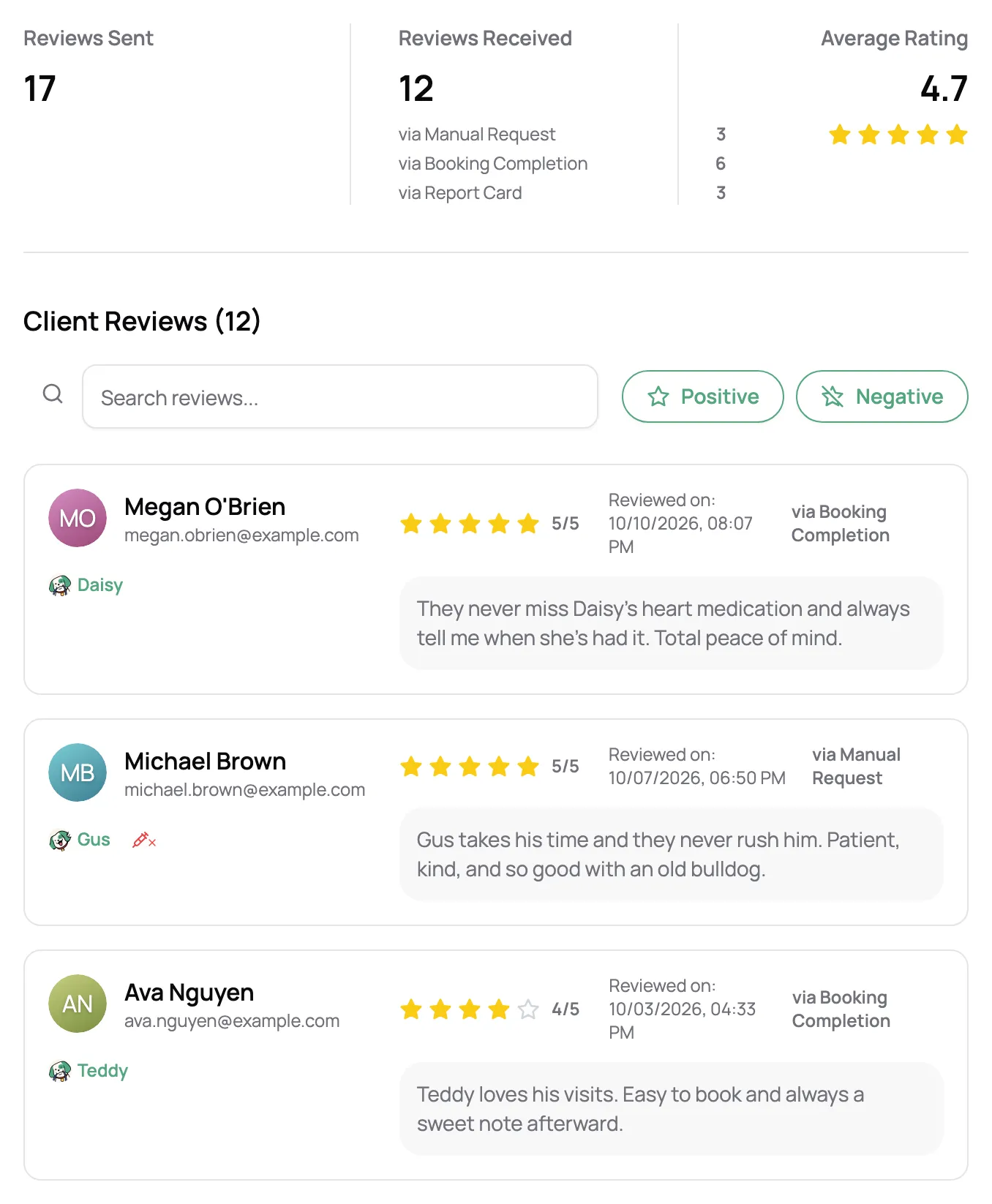
Each rating, high or low, lands in Scritches with the client’s note, and a notification tells you when one comes in. See your average rating, how many asks turned into reviews, and which kind of ask works best for you.
“I really love it. My clients get a kick out of the report card, and I love how it prompts for business reviews for multiple different platforms, not just for Scritches.”

Candice N.
Professional Pet Care Taker, Indy Dog Nanny
Pick the reviews you love and show them on your booking page, with star ratings and pet photos if you like.
Choose when the ask goes out, who to skip, and what it says. After that, it runs on its own.
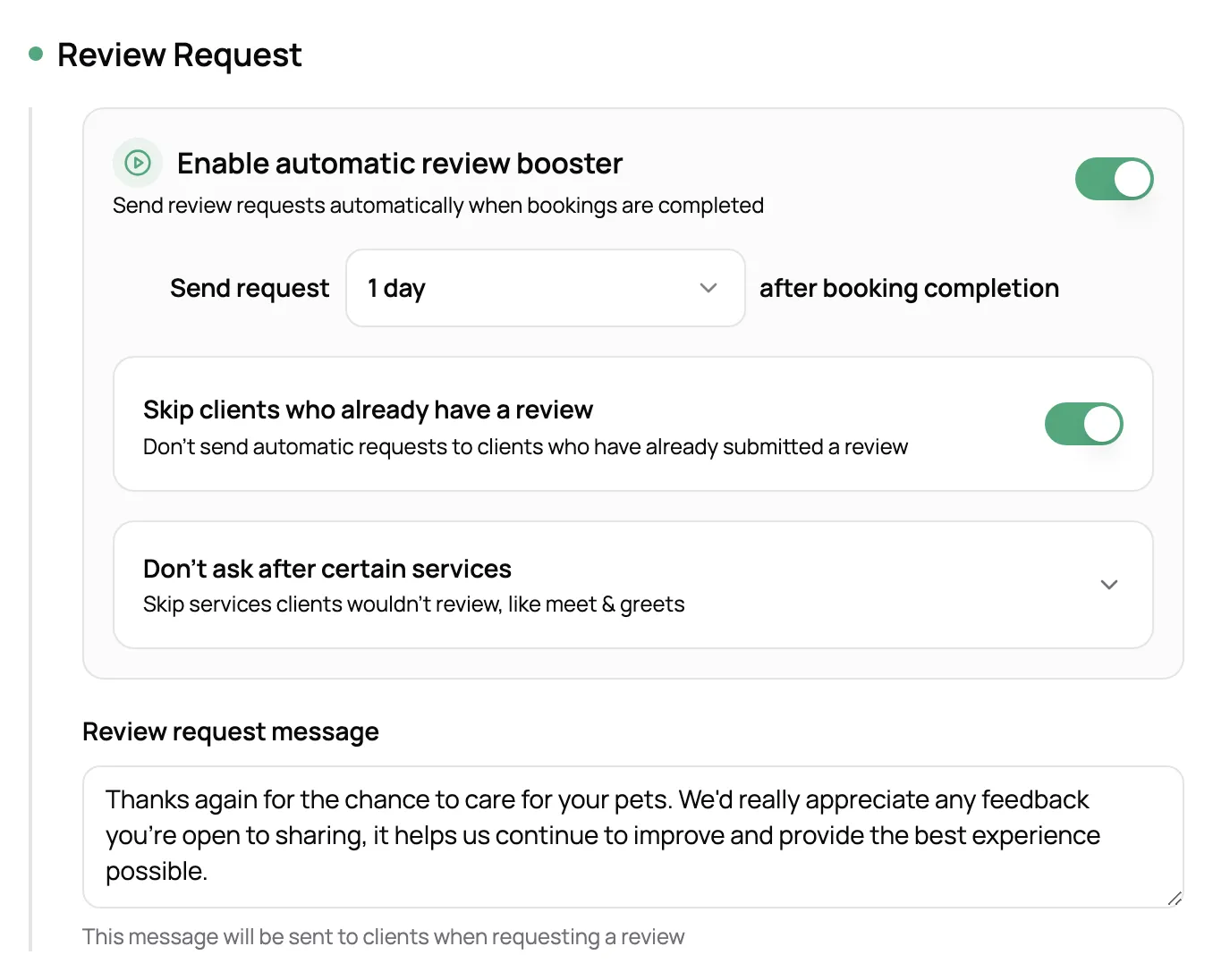
Automatic asks pass over anyone who has already left you a review, so your happiest clients aren’t asked again.
Choose services that never trigger an ask, like meet & greets and key pickups.
A client never has more than one open ask, and asks expire after 15 days, so nothing piles up.
Pick clients from a list and ask them yourself, one or many at a time, with your usual message or a new one.
Three ways. Turn on automatic asks and one goes out after each booking is completed. Turn on the review section in your report cards and the ask comes at the end of the card. Or pick clients from a list and ask them yourself, one or many at a time.
Right after a great visit, while it’s fresh. You choose the delay for automatic asks, from right away to a few hours, a day, a week, or up to a month after the booking ends. Many sitters like the report card moment, since clients are already looking at photos of their pet.
No. They open the ask, tap a star rating, and add a note if they like. No app, no login, no password.
Google, Yelp, Facebook, and Nextdoor. Turn on the ones you use and paste your review link for each. Clients who loved their visit see a button for every site you turned on, and one tap copies the note they just wrote so they can paste it there.
It comes to you, with their note, so you can make it right. You choose the star rating that counts as a happy one (four stars and up by default). Below it, clients see the follow-up message you wrote instead of the review site buttons.
No. Recurring bookings don’t send automatic asks, a client never has more than one open ask at a time, and you can skip anyone who has already left you a review. To hear from your regulars, use the review section in your report cards or send them an ask yourself.
Yes. The ask, the thank-you clients see after a happy rating, and the follow-up for a lower one are all written in your own words.
Review Booster is on the Solo Pro plan and up, along with showing your reviews on your booking page.