Dog Walking Software: Best Tools for Solo Walkers and Small Businesses
Published on:
Jan 16, 2026

Lucas Stefanski
12 min read
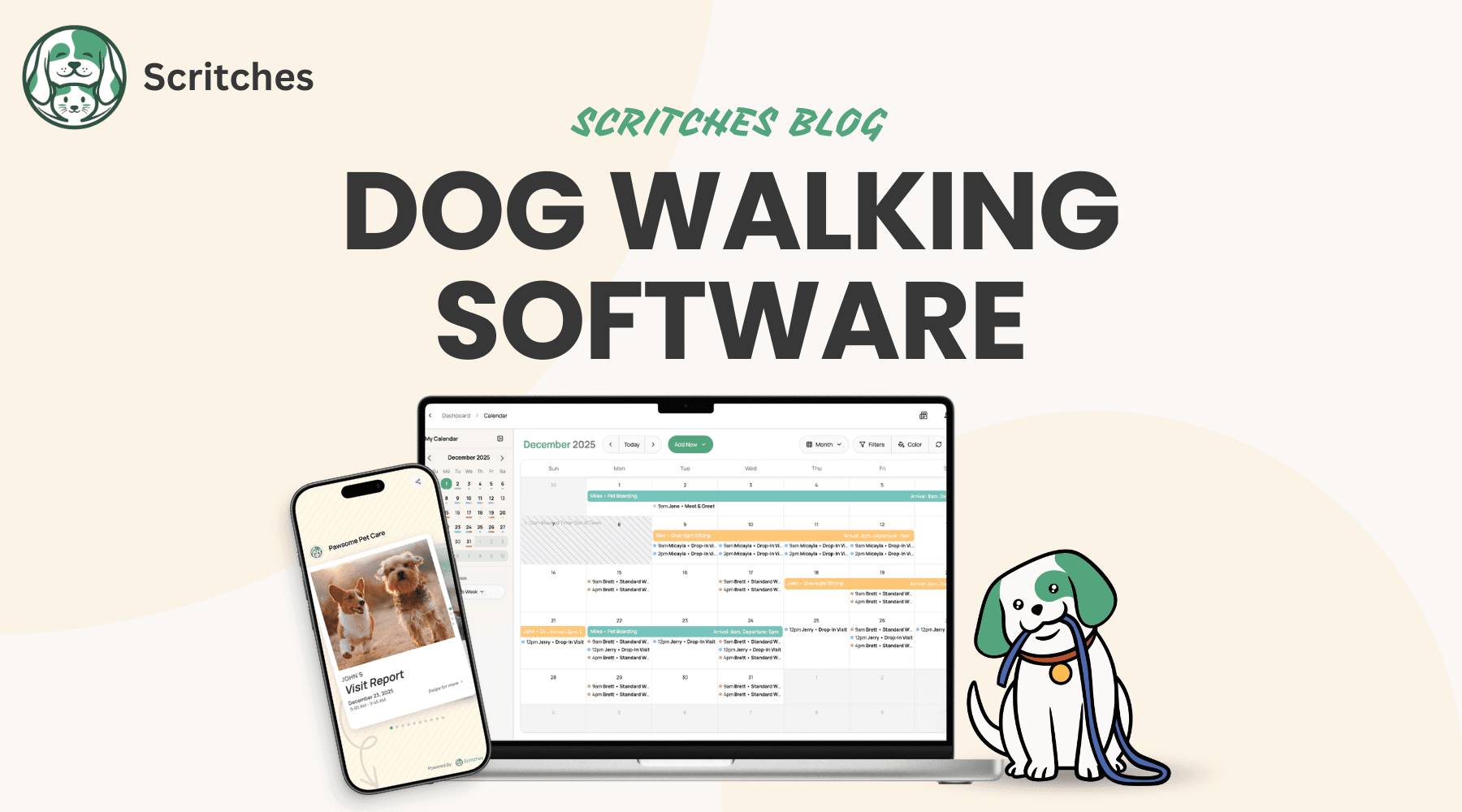
Managing 15 dogs across different neighborhoods while tracking payments, handling cancellations, and sending updates to clients can overwhelm even the most organized walker. Paper schedules fall apart after a few weeks. Clients expect professional service. And jumping between Google Calendar, Venmo, and text messages creates more work than it solves.
If you are building a dog walking business, the right dog walking software can change how you operate. It handles the admin so you can focus on the dogs.
This guide covers what dog walking software actually does, which features matter at different business stages, and how to choose the right tool whether you are a solo walker with five clients or a small team covering multiple neighborhoods. We will compare the top platforms and help you find software that fits how you work.
TL;DR: Top Dog Walking Software Options in 2026
Platform | Best For | Pricing | Free Plan? | Notes |
|---|---|---|---|---|
Scritches | Solo dog walkers & small businesses | Free • $15/mo Solo • $35/mo Solo Pro | Yes | Clean interface, modern booking & report cards, affordable tiers |
Time To Pet | Growing teams & multi-service businesses | $50/mo + $16/mo per active staff | No (trial) | Deep feature set; pricing scales with staff |
Scout | Automation-focused pet care businesses | $33/mo + $15/mo per active staff | Trial available | Simple pricing, optional branded app add-ons |
PetPocketbook | Mobile-first solo walkers | $25/mo + client processing fees | No (trial) | Easy to learn, phone-centric scheduling & invoicing |
Precise Petcare | Data-focused & scaling operations | $15+/mo starting (tiered by staff) | No | Strong reporting and accountability tools |
What Is Dog Walking Software?
Dog walking software is a business management platform designed specifically for dog walkers. It handles scheduling (including recurring walks), client and pet profiles, GPS tracking, invoicing, payments, and client communication. Unlike general business tools or marketplace apps like Rover, it is built around the daily workflows of independent dog walking businesses.
The core distinction is ownership. With dog walking software, you own your client relationships. Clients book you directly through your booking page, not through a platform that takes a cut of every transaction. Your brand, your rules, your revenue.
Dog walking software differs from general pet sitting software in one key way: it emphasizes recurring scheduling. Pet sitting typically involves multi-day bookings and overnight care. Dog walking means daily or weekly visits with the same clients on predictable patterns. The software you choose should handle Monday-Wednesday-Friday schedules as easily as it handles one-off bookings.
It also differs from marketplace apps like Rover and Wag. Those platforms connect clients with available walkers and take 20-40% of each booking. Dog walking software lets you run your own business without the commission. You keep what you earn, minus standard payment processing fees.
Why Dog Walkers Need Dedicated Software
Running a dog walking business means juggling more than just walks. You are managing schedules, tracking payments, communicating with clients, and keeping notes on every pet you care for. Without the right tools, the admin side can eat up your evenings and weekends.
The Challenges Solo Walkers Face
Dog walking business challenges pile up quickly once you move beyond a handful of clients:
Scheduling complexity: Managing multiple daily walks across different neighborhoods requires more than a basic calendar. You need to account for drive time between appointments, handle recurring patterns (MWF vs Tu/Th), and quickly reschedule when a client cancels. One double-booking can damage your reputation with two clients at once.
Payment tracking: Chasing payments through Venmo requests and text reminders takes time and feels awkward. Tracking who paid, who owes, and what is outstanding across dozens of clients becomes its own job.
Professional communication: Clients want updates. They want to know their dog got walked, when it happened, and how it went. Sending individual texts after every walk is not sustainable when you are walking 10+ dogs per day.
Client and pet details: Remembering that Max needs his harness adjusted a certain way, that Bella gets anxious around other dogs, and that the Johnsons leave a key under the third flower pot is fine for three clients. At 15 or 20 clients, you need somewhere to store this information that is not your head.
What Software Solves
Dedicated dog walking software addresses each of these challenges:
Reduced scheduling errors: Software handles recurring bookings automatically. Set up a MWF schedule once and it populates your calendar for weeks or months ahead. Cancellations and reschedules update everything in one place.
Automated invoicing: Bookings automatically generate invoices. Clients can pay online. You see who has paid and who has not without checking multiple apps.
Professional updates: Send visit report cards with photos and notes in seconds, not minutes. Clients feel informed without you writing custom messages every time.
Organized client records: All client and pet information lives in one place. Care instructions, emergency contacts, and service history are always accessible when you need them.
Most dog walkers using dedicated software report saving 5-10 hours per week on administrative tasks. That is time you can spend walking more dogs or time you can take back for yourself.
Common Problem | Without Software | With Software |
|---|---|---|
Scheduling conflicts | Manual tracking, easy to double-book | Automatic recurring schedules |
Payment tracking | Venmo notes and spreadsheets | Centralized invoices and payment status |
Client updates | Individual texts after every walk | One-click report cards |
Pet instructions | Memory or scattered notes | Organized pet profiles |
Professional image | Feels informal | Feels like a real business |
Essential Features in Dog Walking Software
Not every feature matters equally at every stage. Here is what to look for and why it matters.
Scheduling and Recurring Bookings
This is the foundation. Good scheduling features should handle:
Recurring patterns: Daily, weekly, or custom frequencies that repeat automatically
Time blocking: Set your available hours and the software enforces them
Capacity limits: Prevent double-booking by setting maximum walks per time slot
Easy rescheduling: Move appointments with a click, not a dozen text messages
Calendar view: See your entire week at a glance, not dig through lists
For dog walkers specifically, recurring scheduling matters more than for most service businesses. Your clients want the same time slot every week. The software should make that easy to set up and maintain.
GPS Tracking and Proof of Service
GPS tracking provides accountability and peace of mind for both you and clients:
Real-time location: Clients can see that the walk is happening
Route replay: Show exactly where you walked and for how long
Time stamps: Automatic check-in and check-out times
Photo documentation: Add pictures to prove service delivery
This builds trust. Clients who cannot be home during walks feel confident their dog is getting the exercise they paid for. It also protects you if questions ever arise about whether a walk happened.
Client and Pet Management
A simple CRM keeps everything organized:
Client profiles: Contact information, address, gate codes, payment preferences
Pet profiles: Breed, age, care instructions, medical notes, quirks
Emergency contacts: Vet information, backup contact numbers
Service history: Past and upcoming bookings in one view
Internal notes: Private information only you see
This information should be accessible from your phone while you are in the field. Looking up care instructions before entering a client's home should take seconds.
Invoicing and Payments
Getting paid should not require chasing clients. Look for:
Automatic invoice generation: Completed bookings become invoices without manual entry
Online payment processing: Clients pay with credit cards directly through your invoice
Offline payment tracking: Record cash, Venmo, Zelle, and check payments in the same system
Automated surcharges: Weekend rates, holiday pricing, and extra pet fees applied automatically
Deposit handling: Collect deposits for new clients or special bookings
The goal is getting paid without thinking about it. Clients receive invoices, click to pay, done.
Communication Tools
Staying in touch with clients efficiently:
Automated confirmations: Clients get booking confirmations without you sending each one
Pet report cards: Quick visit summaries with photos, notes, and timestamps
Client portal: A place where clients can view their bookings, invoices, and pet information
Email and text notifications: Keep clients informed at key moments
Report cards deserve special attention for dog walkers. A quick photo and one-sentence update after each walk keeps clients happy and builds loyalty. The software should make this fast, not add minutes to every appointment.
Mobile Apps
You are not at a desk. You are in the field. The software needs to work on your phone:
Native mobile app: A real app, not just a mobile website
Offline capability: Check client info even without cell service
Quick updates: Log visits, add notes, and send report cards in seconds
Photo and video: Capture and share directly from the app
If the mobile experience is clunky, you will not use it consistently. Test the app before committing to any platform.
Best Dog Walking Software for Solo Walkers and Small Businesses
Here are the top platforms worth considering, with honest assessments of who each one fits best.
Scritches: Best for Solo Dog Walkers
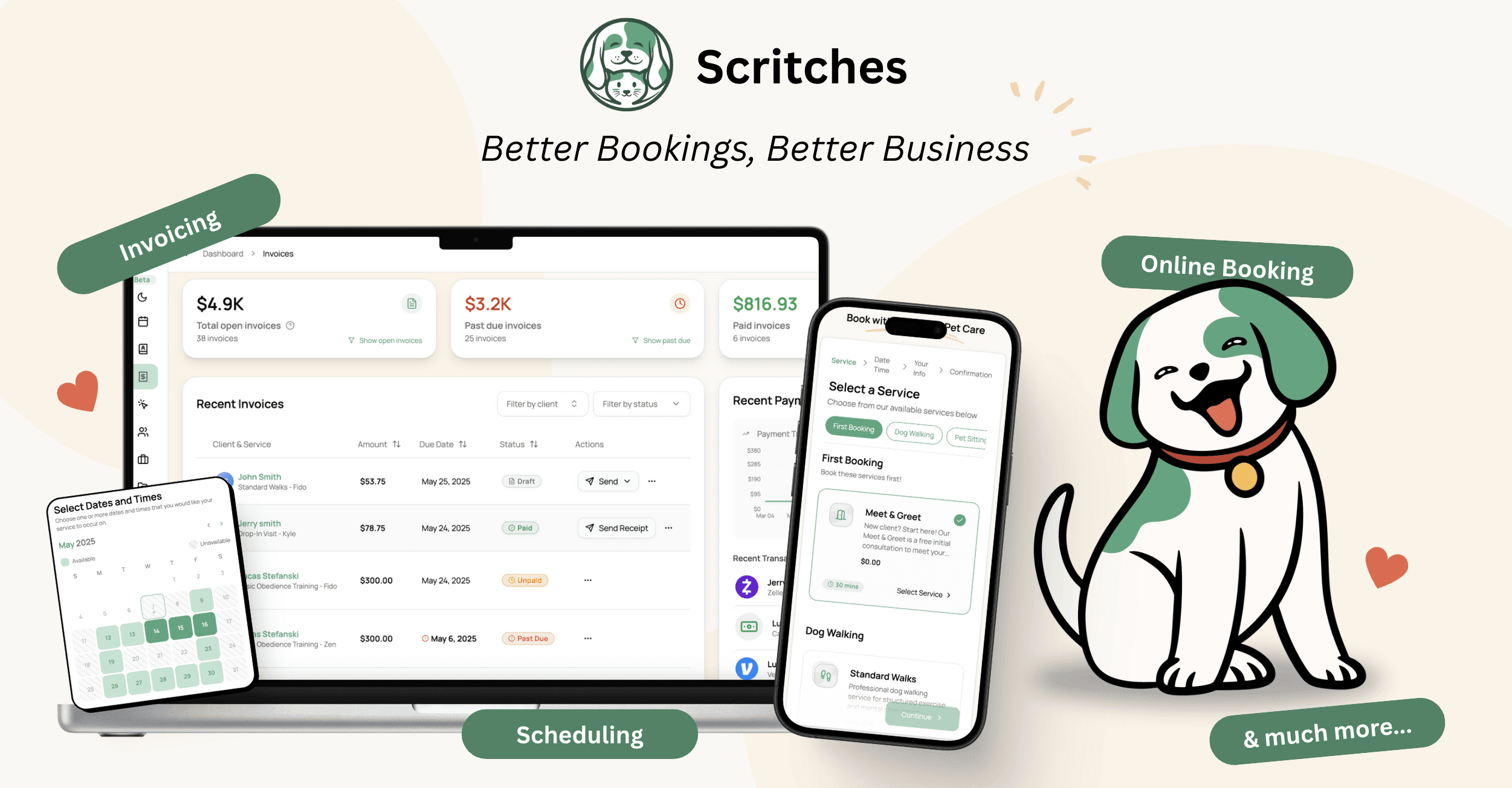
Overview: Scritches (that's us 👋) is built specifically for solo providers and small pet care businesses. The platform emphasizes simplicity and clean design over feature bloat.
Best For: Solo dog walkers, especially those transitioning from Rover or Wag to independent operation.
Key Features:
Online booking where clients do not need to create an account
Recurring scheduling designed for daily and weekly walk patterns
Automated surcharges for weekends, holidays, and extra pets
Report cards with photos and notes
Free plan available for getting started
Pricing: Free | $19/month (Solo with core features) | $39/month (Solo Pro with advanced features)
Pros:
Simple setup you can finish in an afternoon
No per-booking commissions
Clean, modern client experience
Recurring walks work out of the box
Clients can book without password barriers
Cons:
Fewer enterprise features than platforms built for large teams
Newer platform with less market presence than established competitors
Staff management still in development
Bottom Line: If you are a solo walker who wants Rover-level simplicity without giving up 20-40% of your revenue, Scritches offers the cleanest path to running your own business. The free plan lets you test it with real clients before paying anything.
Time To Pet: Best for Growing Teams
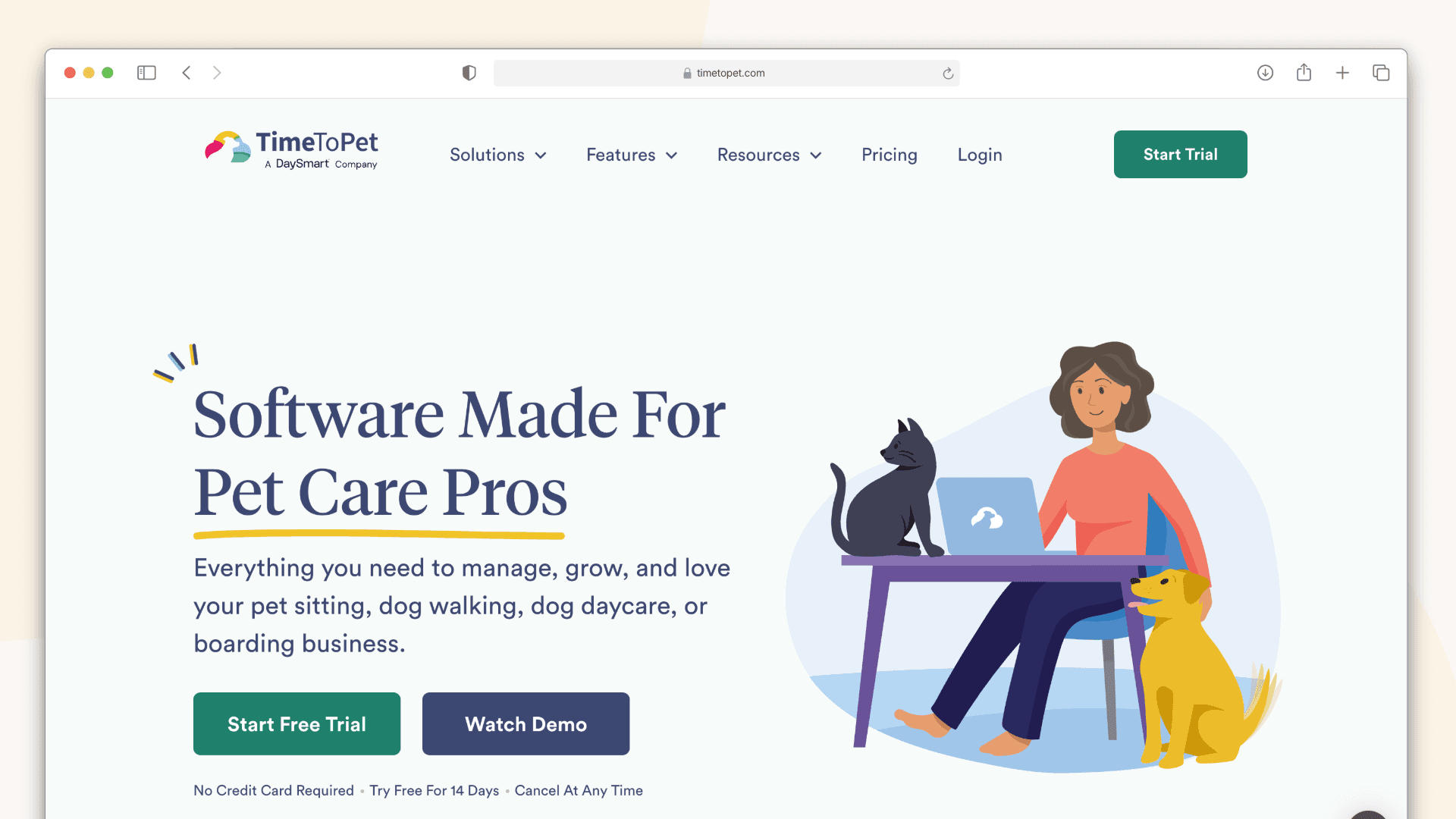
Overview: Time To Pet is a comprehensive platform trusted by 4,000+ pet care businesses. Built by former dog walkers, it offers deep feature sets for both walkers and sitters.
Best For: Dog walkers scaling from solo operation to small teams, multi-service providers.
Key Features:
Staff scheduling and management
GPS tracking and time tracking
Client and pet management
Invoicing and payment processing
Mobile apps for staff and clients
Pricing: Lite ($25/month for solo) | Team ($40/month base + $16/month per active staff member)
Pros:
Mature platform with proven track record
Comprehensive feature set
Strong community and support resources
Handles both walks and pet sitting seamlessly
Cons:
Can feel complex for solo walkers who need simple tools
Per-staff pricing adds up as teams grow
Learning curve steeper than simpler alternatives
Bottom Line: Time To Pet is the industry standard for pet care businesses with multiple staff members. If you are planning to hire walkers or already have a small team, this platform handles the complexity well.
Scout: Best for Automation
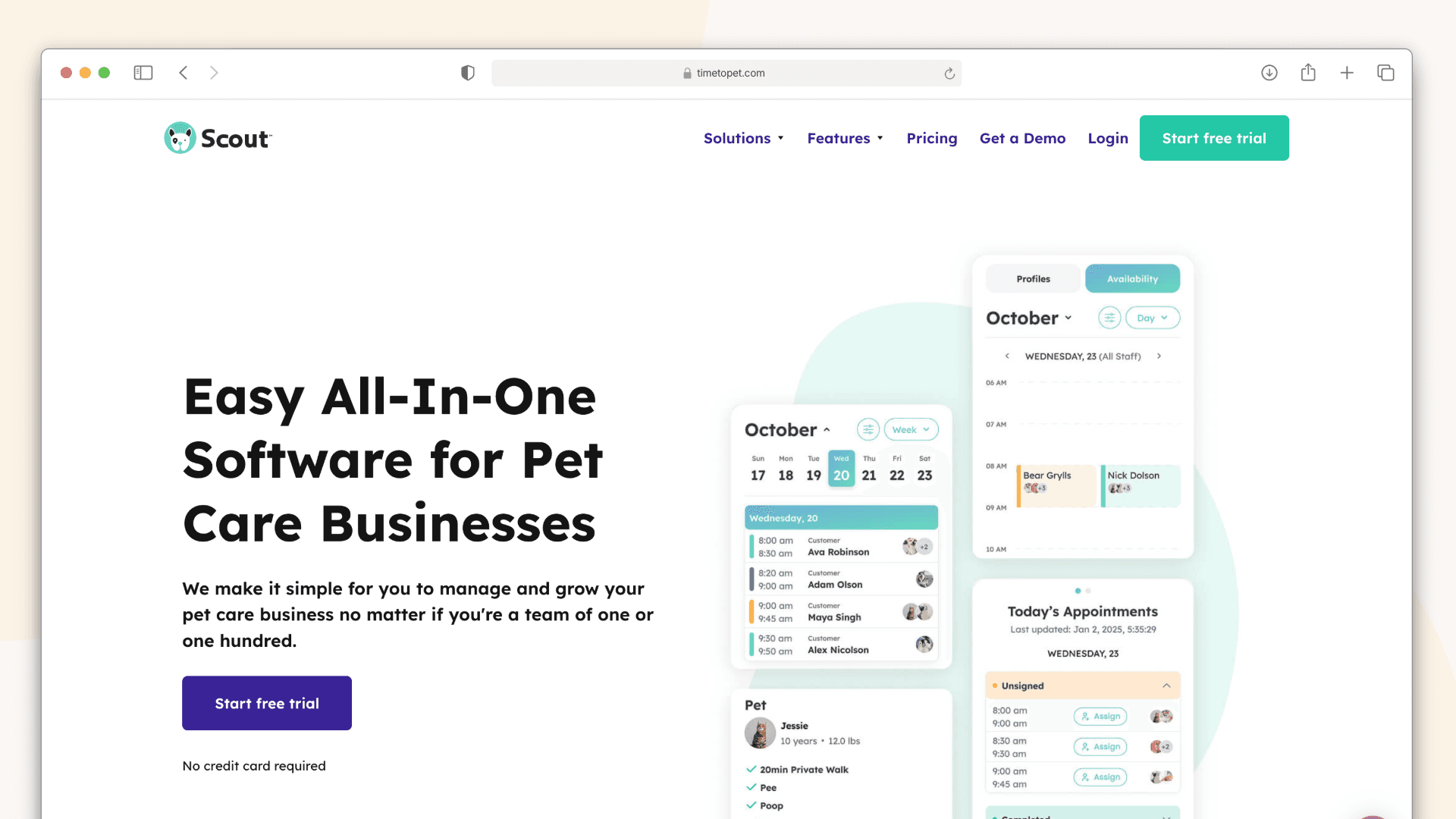
Overview: Scout emphasizes automated billing and administrative workflows, positioning itself as a hands-off solution for busy business owners.
Best For: Walkers who want to minimize manual admin work, businesses with complex billing needs.
Key Features:
Fully automated billing and invoicing
Electronic service agreements
GPS tracking and route management
Client portal
Instant notifications
Pricing: Contact for pricing (varies based on business size)
Pros:
Strong automation reduces administrative burden
Reliable billing and payment collection
Good support (sub-5-minute response times advertised)
Clean interface
Cons:
Pricing not transparent without contacting sales
May be more tool than solo walkers need
Less emphasis on simplicity
Bottom Line: Scout works well for established businesses that want their billing and admin to run without constant attention. Solo walkers starting out may find simpler options more appropriate.
PetPocketbook: Best Mobile-First Experience
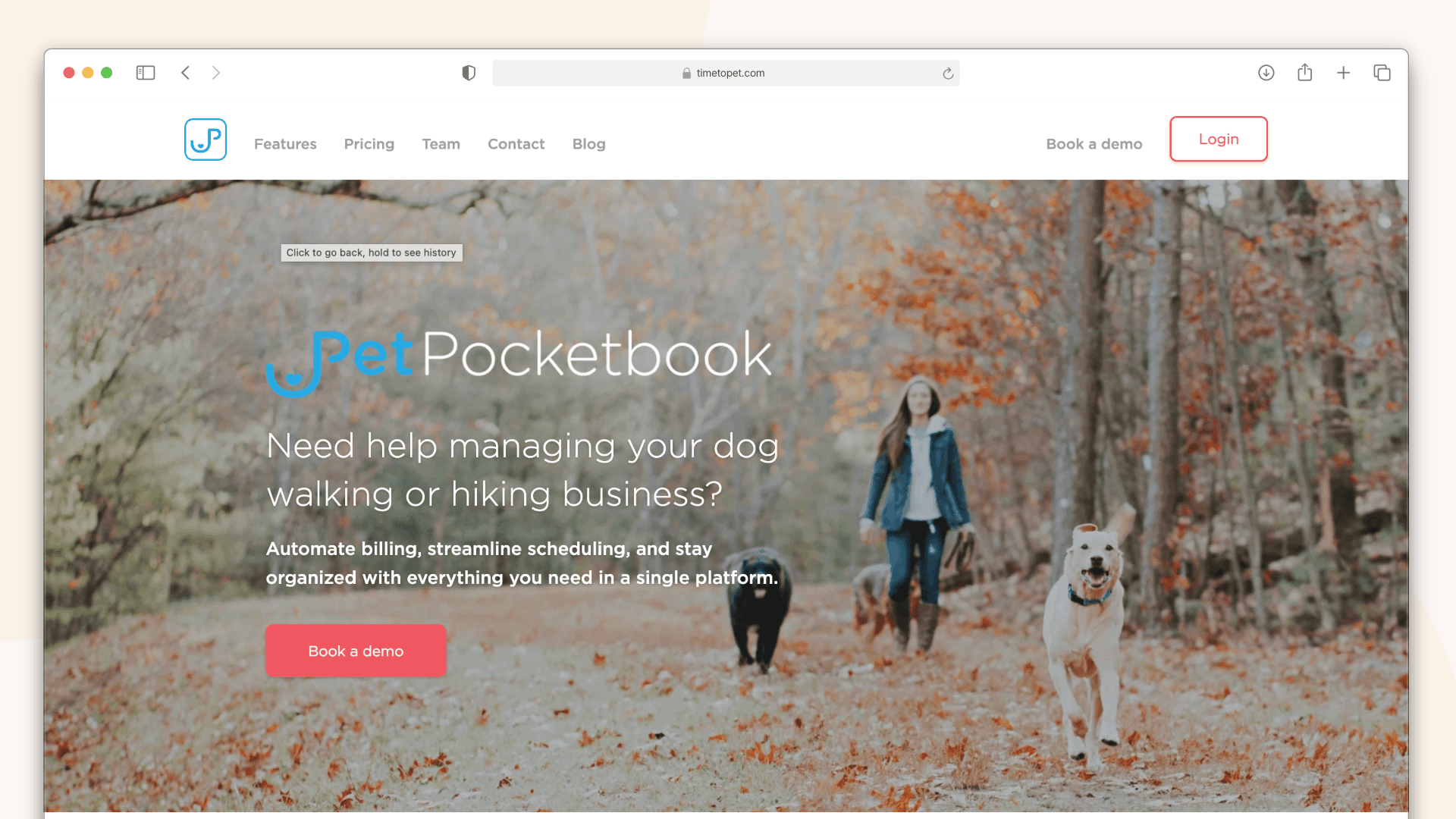
Overview: PetPocketbook is designed for managing your pet care business entirely from your phone, with a focus on simplicity and accessibility.
Best For: Solo walkers who do everything from their phone and want minimal friction.
Key Features:
Mobile-first design
Basic scheduling and booking
Invoicing and payments
Client management
Simple reporting
Pricing: Free plan available | Paid plans from $15/month
Pros:
Extremely easy to learn
Affordable pricing
Good for walkers who avoid computers
Quick setup
Cons:
Fewer advanced features
Limited customization options
May outgrow it as business scales
Bottom Line: PetPocketbook is a solid entry point for walkers who want basic software without complexity. You may eventually need more features, but it gets the job done for small operations.
Precise Petcare: Best for Data-Focused Businesses
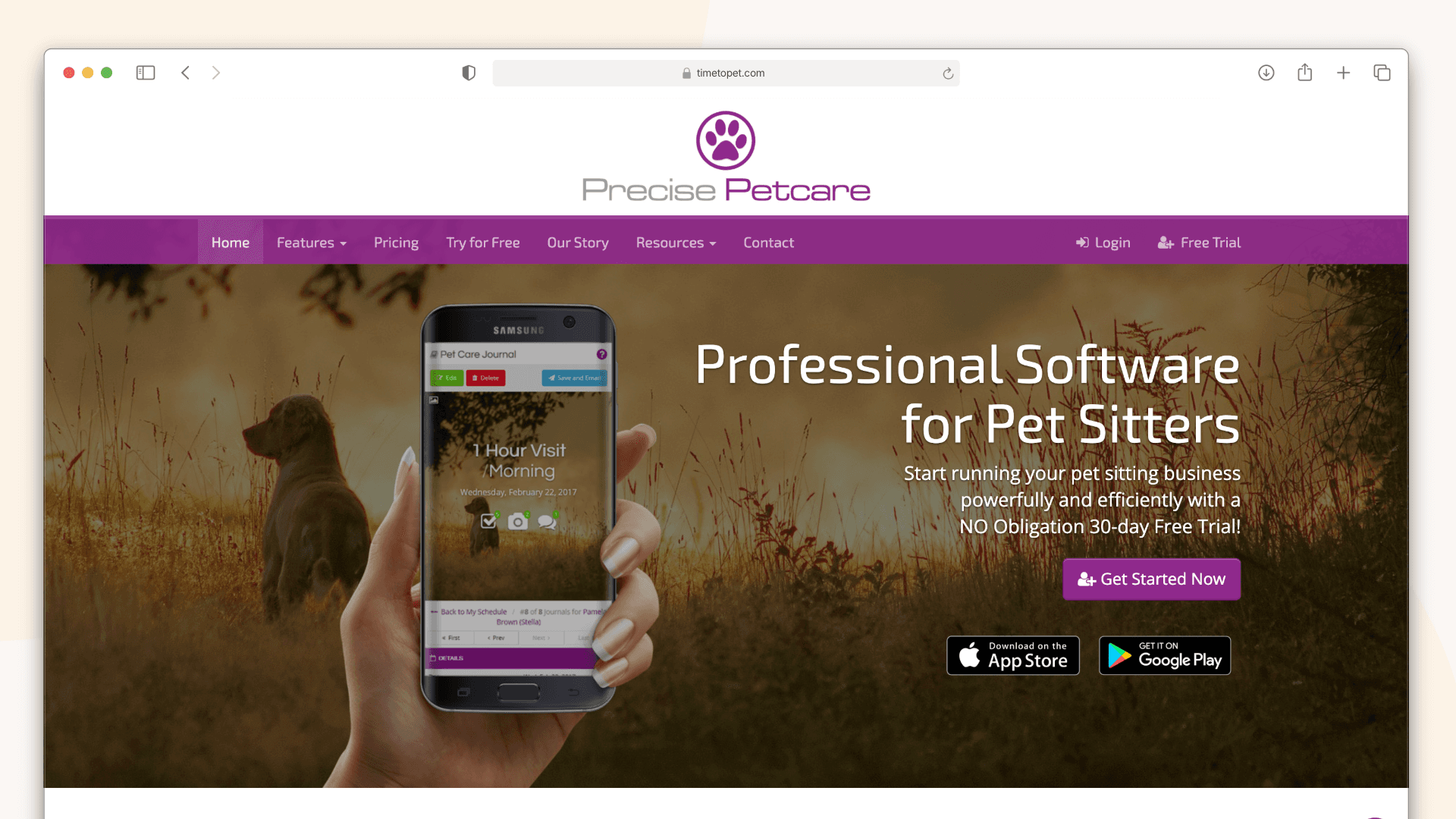
Overview: Precise Petcare offers detailed tracking and reporting features, including administrative tools for monitoring staff performance.
Best For: Businesses that want detailed analytics and operational oversight.
Key Features:
Communication center with message review
Late arrival alerts
Walker reliability reports
Live sitter map
Comprehensive scheduling
Pricing: $15/month (1 walker) up to $390/month (101+ walkers)
Pros:
Strong reporting and analytics
Good accountability features
Scales to larger teams
Transparent tiered pricing
Cons:
Interface feels dated compared to newer platforms
Overkill for simple solo operations
Learning curve for full feature utilization
Bottom Line: Precise Petcare suits businesses that want detailed oversight and reporting. Solo walkers will not need most of what it offers.
A Note on Rover and Wag
Rover and Wag are not dog walking software. They are marketplace apps that connect clients with available walkers.
The key difference: You do not own the client relationship. Clients book through the platform, and the platform takes 20-40% of every booking as commission.
When they make sense: Starting out to build experience and initial clients. Filling gaps in your schedule. Testing demand in a new area.
When to transition: Once you have repeat clients who book you regularly, the commission stops making sense. If you earn $2,000/month through Rover and pay $400-800 in fees, switching to your own software (even with a $30/month subscription) saves you $4,000+ per year.
Use the Rover fees calculator to see exactly what the commission costs you.
How to Choose the Right Dog Walking Software
The best software depends on where you are in your business journey. Here is a framework for deciding.
For Solo Dog Walkers Just Starting Out
What you need:
Simple scheduling that does not overwhelm you
Online booking so clients can request walks easily
Basic invoicing to get paid
A place to store client and pet information
What you can skip for now:
Staff management features
Advanced GPS tracking and reporting
Complex automation rules
Enterprise-level analytics
Best options: Scritches (free plan), PetPocketbook
Start with something simple. You can always upgrade as you grow. The mistake is paying for features you will not use or spending weeks learning complex software when you have five clients.
For Solo Walkers with 15-30 Clients
What you need:
Recurring scheduling that handles weekly patterns reliably
Automated invoicing to save time on billing
Online payment processing so clients can pay instantly
Report cards to keep clients informed
Client portal for self-service access
What matters more at this stage:
Time savings from automation
Professional appearance to attract more clients
Route-friendly scheduling to minimize drive time
Best options: Scritches (Solo Pro), Time To Pet (Lite), Scout
At this volume, administrative work starts eating into your walking time. The right software pays for itself in hours saved.
For Small Dog Walking Teams (2-10 Walkers)
What you need:
Staff scheduling and assignment
GPS tracking for accountability
Centralized client records accessible to all staff
Team communication tools
Potentially payroll integration
What matters most:
Staff app usability (your team needs to actually use it)
Admin oversight without micromanagement
Consistent client experience regardless of which walker shows up
Best options: Time To Pet (Team plan), Scout
Once you have staff, complexity increases. The software needs to handle multiple people accessing the same information and ensure nothing falls through the cracks.
Dog Walking Software vs. Rover and Wag: Key Differences
If you are currently walking dogs through Rover or Wag, here is what changes when you switch to your own software.
Ownership
Marketplace: Clients are Rover's or Wag's clients first. They found you through the platform, and the platform holds the relationship.
Your software: Clients are your clients. They book through your booking page, your brand, your terms.
Revenue
Marketplace: You keep 60-80% of what you charge. Rover's 20% fee on a $30 walk is $6. Walk that dog five days a week for a year and you have paid $1,560 in commission on one client.
Your software: You keep 100% minus payment processing (typically around 3%). That same client costs you roughly $230 in processing fees instead of $1,560 in commission.
Branding
Marketplace: Clients see Rover's brand, not yours. Your profile exists within their ecosystem.
Your software: Clients see your business name, your colors, your booking page. You build recognition for your brand, not theirs.
Control
Marketplace: The platform sets rules around cancellation policies, pricing standards, and service expectations.
Your software: You set your own policies, pricing, and expectations. You decide what works for your business.
When Rover and Wag Still Make Sense
Marketplaces are not all bad. They make sense when:
You are brand new and need to find initial clients
You are testing demand in a new neighborhood
You have schedule gaps you want to fill
You are not ready to commit to running your own business
When to Switch
Consider switching when:
You have 5+ clients who book you repeatedly
You are tired of paying commission on reliable recurring revenue
You want to grow your business under your own brand
You are ready to take ownership of client relationships
The transition does not have to happen all at once. Many walkers keep their Rover profile for new client discovery while moving repeat clients to their own software.
Common Dog Walking Software Questions
How much does dog walking software cost?
Dog walking software ranges from free (Scritches Solo plan) to $25-50/month for solo walkers and $50-200+/month for teams. Most platforms charge a base fee, with some adding per-user fees for additional staff members.
The key comparison is software subscription vs. marketplace commission. A $30/month subscription on $2,000/month in revenue is 1.5% of earnings. Rover's 20% commission on the same revenue is $400/month. Even the most expensive software typically costs less than marketplace fees for active walkers.
Do I need dog walking software if I only have a few clients?
Even with 3-5 clients, software helps you look professional, avoid scheduling mistakes, and get paid faster. Free options let you start small without financial risk.
The practical answer: if you are managing everything in your head without problems, you might not need it yet. Once you miss a booking, forget a client's instructions, or spend an evening chasing payments, the value becomes clear.
What is the difference between dog walking software and pet sitting software?
Dog walking software emphasizes recurring scheduling (daily/weekly walks), quick visit updates, and route management. Pet sitting software focuses on multi-day bookings, overnight care, and detailed care instructions.
Many platforms (including Scritches, Time To Pet, and Scout) handle both. If you offer dog walking and pet sitting, look for software that treats both service types well rather than bolting one onto the other.
Can clients book dog walks online?
Yes. Most modern dog walking software includes online booking pages where clients can request walks based on your availability and pricing rules.
Some platforms (like Scritches) allow clients to book without creating an account, which reduces friction. Others require clients to create a login first. Consider what experience you want clients to have.
Does dog walking software include GPS tracking?
Most platforms include GPS tracking that shows clients when and where you walked their dog. Features vary:
Basic: Check-in/check-out timestamps with location
Standard: Route tracking showing the walk path
Advanced: Live tracking clients can watch in real-time
GPS builds trust and provides proof of service. It also protects you if questions ever arise about whether a walk happened or how long it lasted.
Getting Started with Dog Walking Software
The right dog walking software saves hours every week, makes you look more professional, and helps you keep more of what you earn. But the best software is the one you will actually use.
If you are just starting out: Try Scritches free to see how online booking, recurring scheduling, and automated invoicing work together. Start with a few clients and add features as you need them.
If you are scaling up: Time To Pet or Scout offer the depth you need for growing teams and complex operations.
If you are leaving Rover or Wag: Calculate what you are actually paying in commission, then compare that to the cost of running your own system. Most walkers are surprised by the math.
Whatever you choose, the goal is the same: spend less time on admin and more time doing the work you love. Good software makes that possible.